NEW YORK, Aug. 07, 2026 (GLOBE NEWSWIRE) -- CABLETIME, a design-driven digital connectivity brand, today announced the Kickstarter launch of CABLETIME ScreenDock, an 8-in-1 USB-C docking station with an integrated 5.5-inch 720P companion display. ScreenDock is designed around a growing desktop problem: users are connecting more devices and working with more windows, but the available space on their main screen has not grown with them.
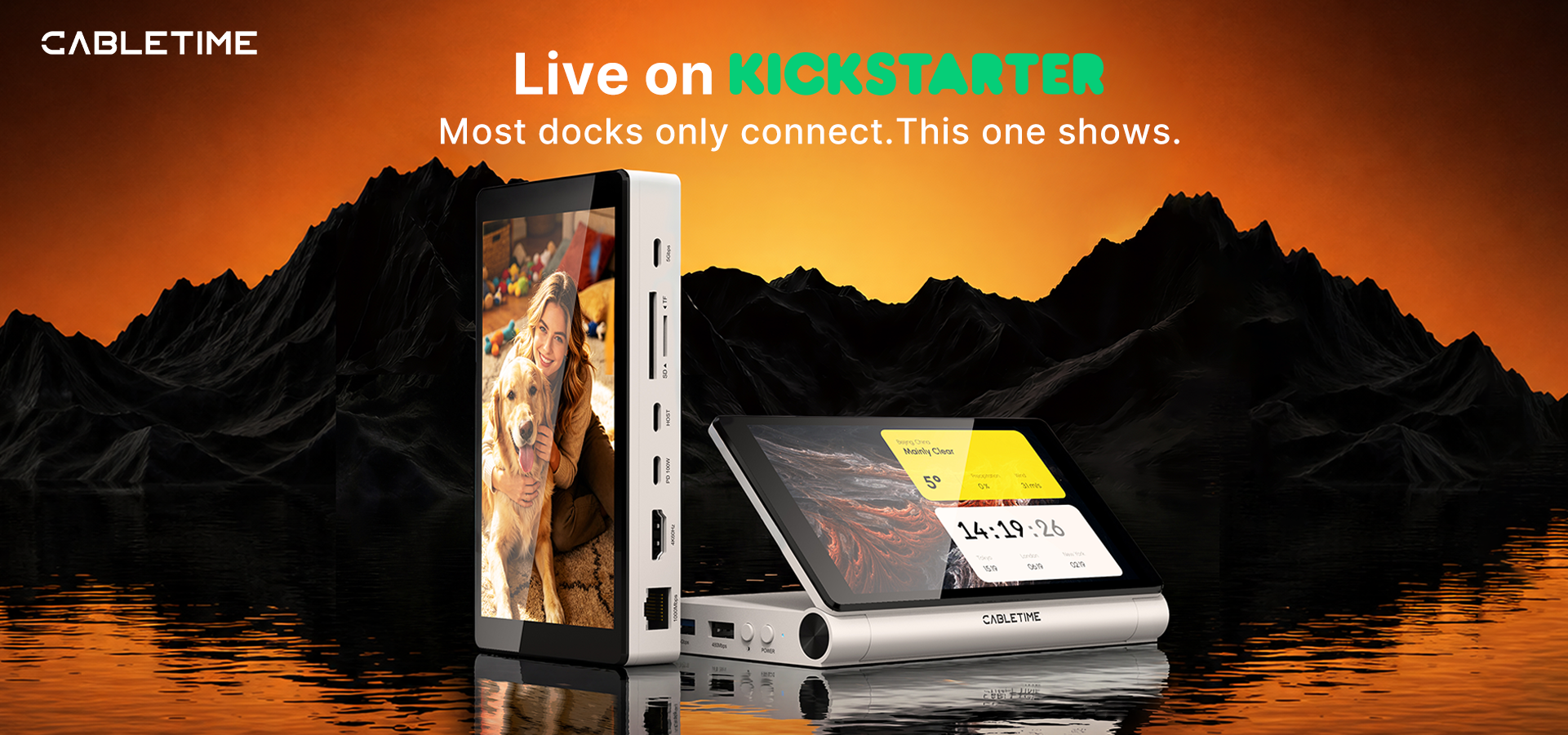
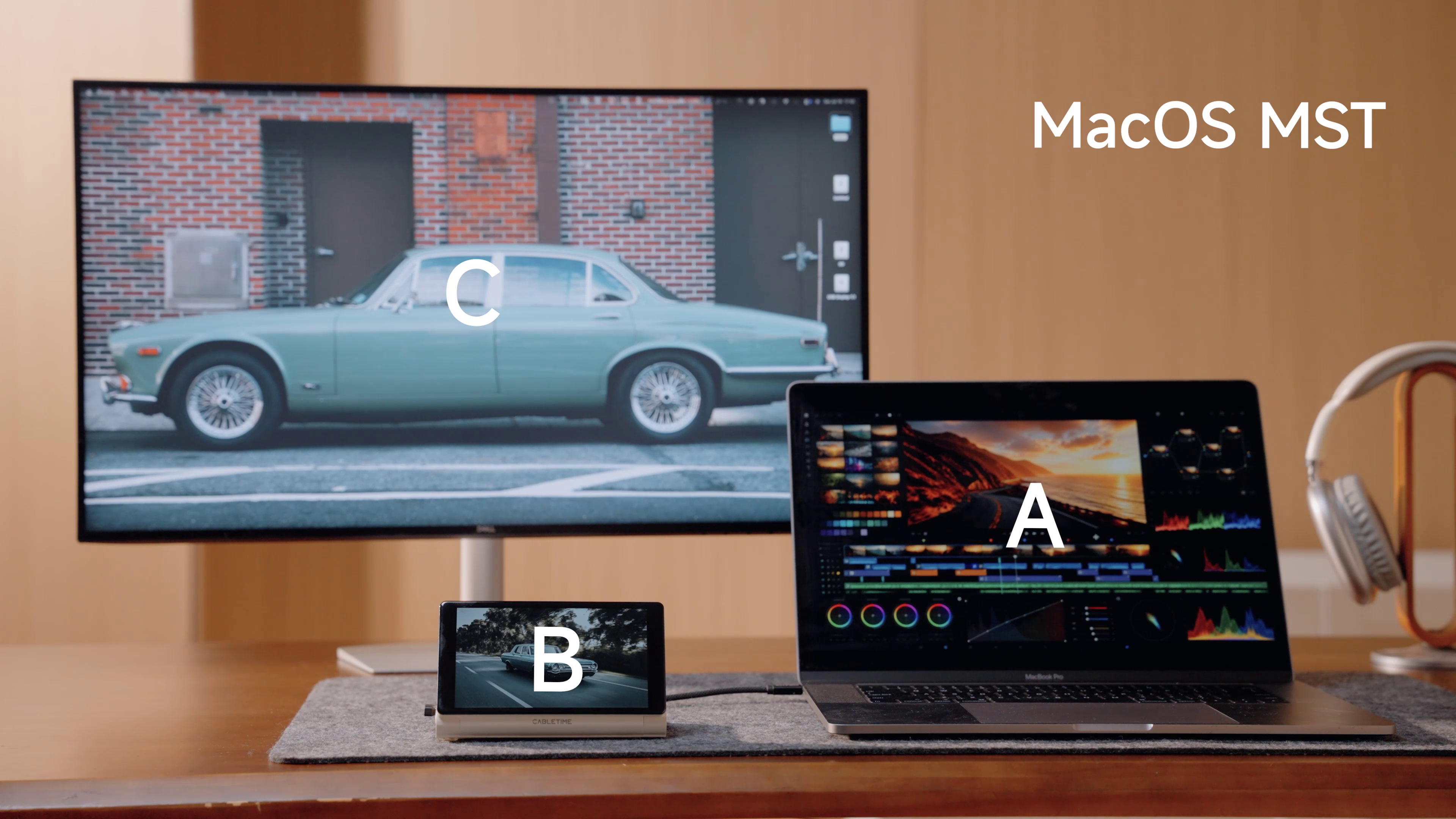
Traditional docks primarily add ports. ScreenDock adds ports and creates a dedicated place for information that users want to keep visible without allowing it to take over the main workspace. App windows already running on the connected computer can be moved onto ScreenDock just as they would be moved to an additional monitor. The result is a simple working principle: the main screen handles the primary task, while the companion display keeps supporting information in view.
| “Most docks only connect. ScreenDock also shows. We wanted it to be more than another box of ports on the desk — it should create a genuinely useful space that works beside the user: one more screen, one more space.” — Fred, Product Manager at CABLETIME |
From AI workflows to everyday desktops: what can the extra screen do?
The value of ScreenDock is not limited to the display panel itself. Users decide what deserves a permanent place beside their main screen, making the product equally relevant to productivity, content creation, daily organization and desktop personalization. The following examples show how the compact display can fit into real workflows without trying to replace a full-size monitor.
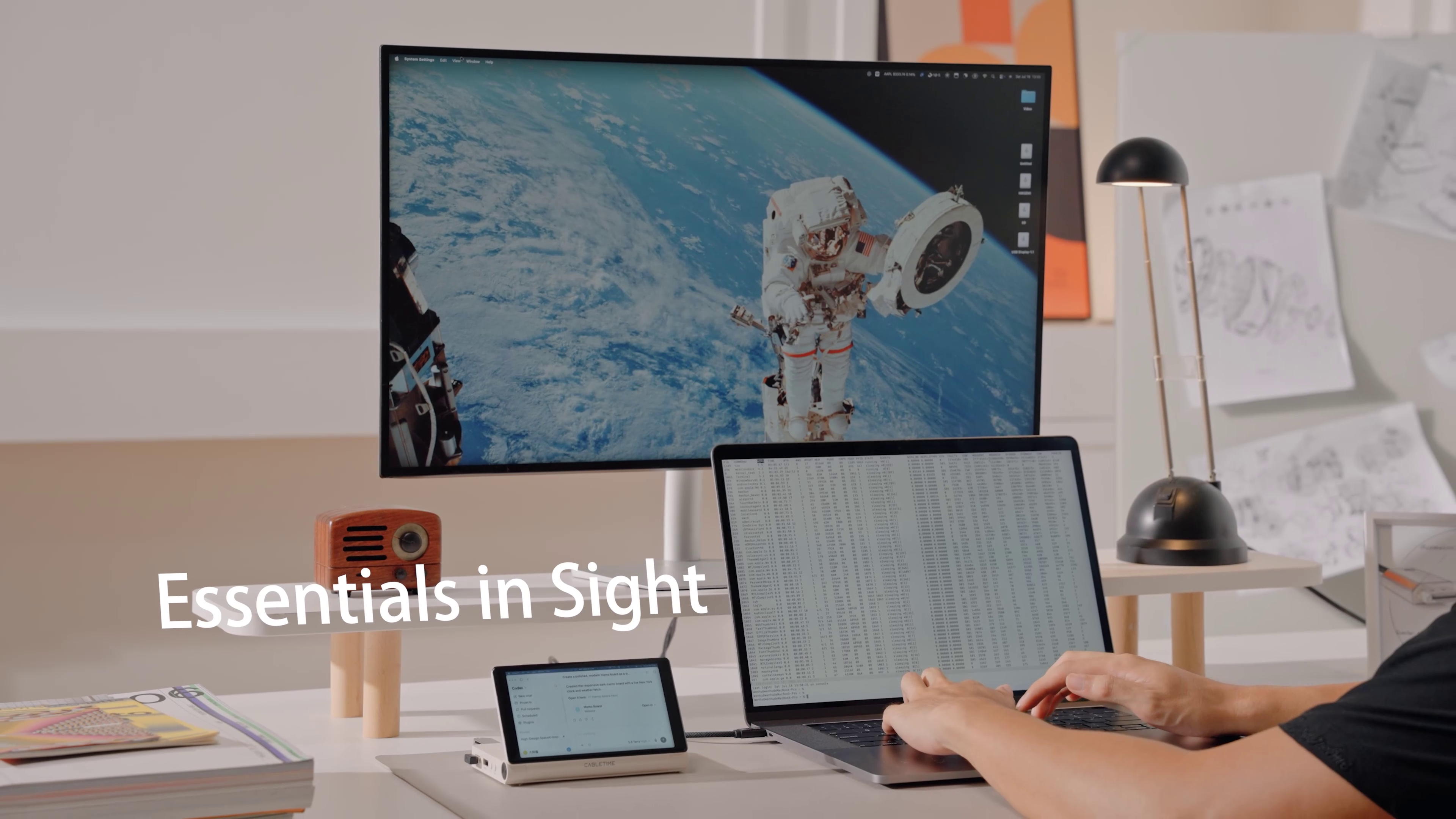
AI dashboards and assistants: keep progress beside the main task
When people use ChatGPT, Claude, Codex or other AI tools for writing, coding, research and creative work, the main screen often becomes a competition between the working document and the AI conversation. ScreenDock can keep AI responses, task queues, generation progress or a custom AI dashboard visible while the user continues writing, designing or developing on the main display. For users building automated workflows with tools such as Codex or Claude Code, it can also act as a compact status board for jobs that are running in the background.
A customizable desktop: wallpapers, photos, music and personal information
ScreenDock can also become a user-defined part of the desktop. Wallpapers, photo slideshows, a Now Playing interface, lyrics, stock information or a custom dashboard can be placed on the companion display to match a particular setup. Instead of locking users into a fixed collection of built-in widgets, ScreenDock lets them use the software and visual style they already prefer. A minimalist clock, a retro interface, dark system statistics, travel photography or brand graphics can all become part of the desk.
Meeting support: move the agenda, timer and notes away from the call
Remote meetings often compete for space with shared files, chat, presentation notes and the camera view. During a meeting, ScreenDock can display an agenda, countdown, discussion points, chat messages or short notes, leaving the main display available for the call and shared content. The purpose is not to add another complicated workflow, but to give the small pieces of information that support a meeting a consistent and visible location.
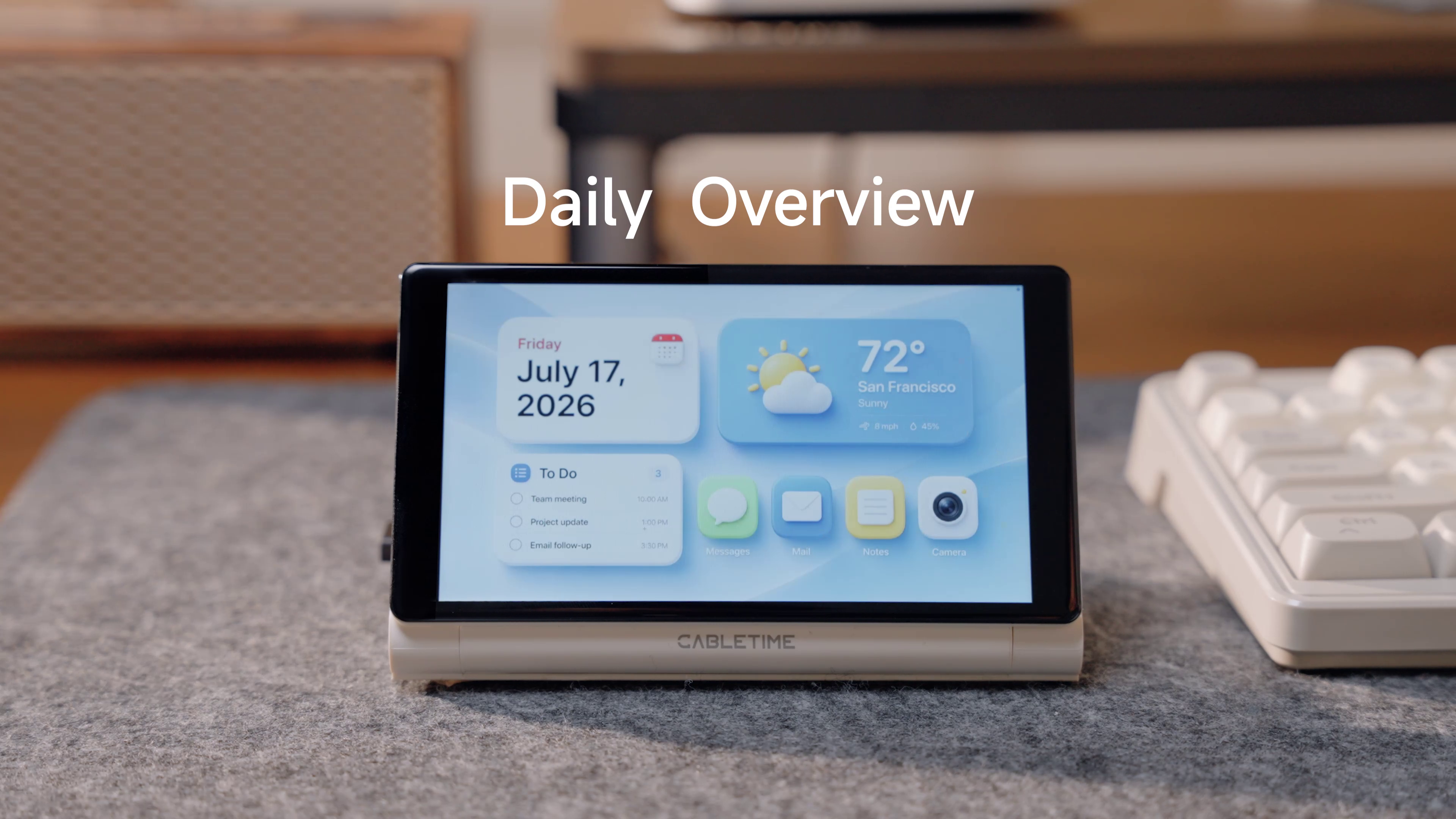
Home and pet monitoring: keep home at a glance
While working, joining a call or concentrating on a creative task, users can move an existing home-camera or pet-monitoring window onto ScreenDock. The main screen no longer needs to remain occupied by the monitoring application, while the user can still glance at a pet, a front door or a package delivery. ScreenDock is not a standalone security system; it simply gives the camera software already running on the computer a low-distraction, always-visible place.
A desktop clock and daily information display
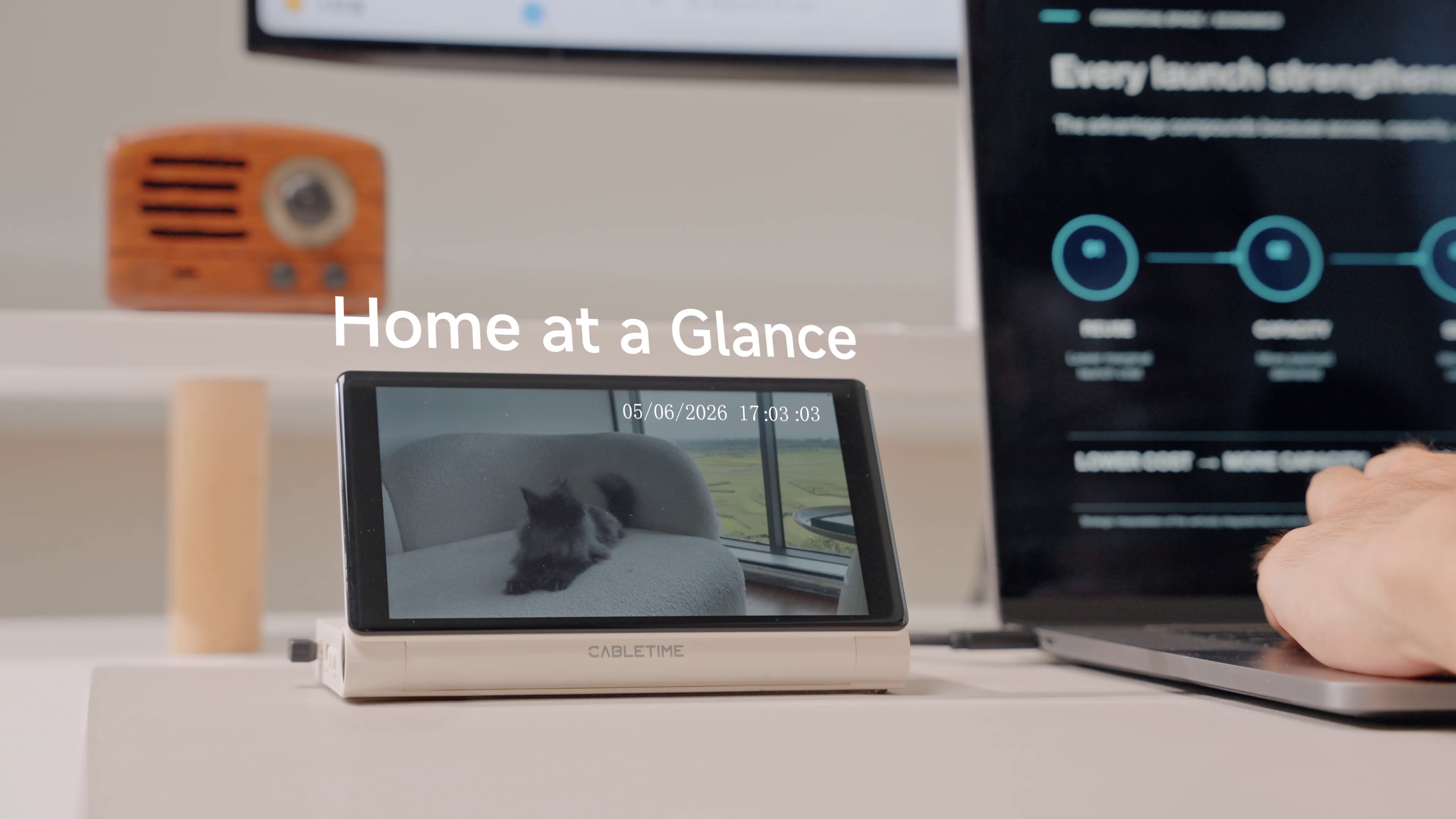
Not every use case needs a complex application. ScreenDock can display a clock, weather and calendar dashboard, schedule, to-do list or focus timer. Users can select a visual style that fits their workspace, allowing the device to serve as a functional desktop object even when it is not displaying an active work window. Time, weather and the day’s priorities can remain in sight while the main display changes between projects.
Video and reference content: watch without giving up the main screen
For content that users need to watch while doing something else, ScreenDock can play a tutorial, reference clip, course segment or lightweight lifestyle video. A writer, designer or editor can continue working on the main display while a product setup guide, coffee-making clip, workout movement, travel footage or other original content plays beside it. The compact display is not intended to replace a large screen for movies; it creates an appropriate place for video that is useful or enjoyable without interrupting the primary task.
System monitoring and gaming support: keep important status information visible
During gaming, editing, rendering or large data transfers, ScreenDock can display CPU and GPU usage, temperature, network speed, frame rate or job progress. Gamers may also place a guide, map or chat window on the companion display, while creators can monitor rendering and system load. Keeping this information on a dedicated display avoids repeatedly opening overlays or covering the main content.
Connectivity and visibility in one compact device
Alongside its integrated screen, ScreenDock provides 8-in-1 USB-C expansion, including HDMI output up to 4K at 60Hz, USB-C Power Delivery up to 100W, USB-C and USB-A data connectivity, SD and microSD card access, and Gigabit Ethernet. The adjustable display structure helps users position the screen for their desk, while three brightness levels and standard computer display settings allow orientation, scaling and arrangement to be configured for the connected system.
Key product features include:
- A 5.5-inch 720P companion display for AI, schedules, meetings, video, home-camera feeds, clocks and system information.
- 8-in-1 USB-C expansion, including HDMI up to 4K at 60Hz, Power Delivery up to 100W, data ports, card access and Gigabit Ethernet.
- Three brightness levels, an adjustable viewing angle, and configurable orientation, scaling and display arrangement through the computer.
- Compatibility with supported Windows and macOS computers; installation of the supplied USB display driver is required before using the integrated screen.
Important clarification: a computer companion display, not a standalone smart device
ScreenDock does not include a standalone operating system, built-in applications, Wi-Fi or independent smart functions. The AI dashboards, weather, clocks, music, home monitoring, video and system statistics shown in campaign materials come from software running on the connected computer. Users move the relevant application window onto ScreenDock in the same way they would use an additional monitor. The integrated display is non-touch and is controlled with the computer’s mouse, trackpad or keyboard. Third-party software, subscriptions and content are not included with the product.
Now crowdfunding on Kickstarter
CABLETIME ScreenDock is now live on Kickstarter. The campaign is expected to run for 45 days, with first-batch shipping planned to begin in October 2026. The campaign page includes early-bird rewards, bundle options, full specifications, compatibility information and ongoing project updates.
To learn more about CABLETIME ScreenDock or support the campaign, visit the official Kickstarter campaign page.
About CABLETIME
CABLETIME is a design-driven digital connectivity brand that researches, designs and manufactures docking stations, hubs, cables, adapters, chargers and desktop stands. The brand focuses on improving the connection between devices and the people who use them through dependable performance, practical design and accessible pricing. Learn more at cabletimetech.com.
Contact Person: Ivy Wu
Email: marketing@cabletimetech.com
Photos accompanying this announcement are available at
https://www.globenewswire.com/NewsRoom/AttachmentNg/81adda29-6407-42a0-acde-5dd02a943008
https://www.globenewswire.com/NewsRoom/AttachmentNg/4fdce3e8-d4b1-46ae-9d58-9f249394c0ee
https://www.globenewswire.com/NewsRoom/AttachmentNg/4fbd84b7-a829-440c-8189-03c6e1b7c6c7
https://www.globenewswire.com/NewsRoom/AttachmentNg/e9741259-def7-4c55-8dfd-d2678b637c6b
https://www.globenewswire.com/NewsRoom/AttachmentNg/c6e0ba13-a8a6-4ce2-a78e-2064a1406261